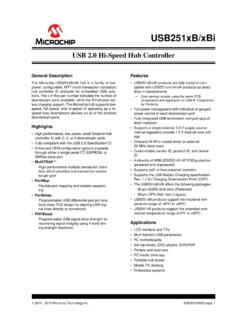
USB 2.0 Hi-Speed Hub Controller - Microchip Technology
The hub provides do wnstream ports for embedded USB solutions and is fully compliant with the USB 2.0 Specification [1]. Each of the hub controllers can attach to an upstream port as a full-speed or full-/hi-speed hub.
Download USB 2.0 Hi-Speed Hub Controller - Microchip Technology

Information
Domain:
Source:
Link to this page:
Documents from same domain
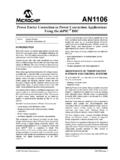
Power Factor Correction in Power Conversion …
ww1.microchip.com© 2007 Microchip Technology Inc. DS01106A-page 2 AN1106 FIGURE 1: CURRENT WAVEFORMS WITH AND WITHOUT PFC These waveforms illustrate that …
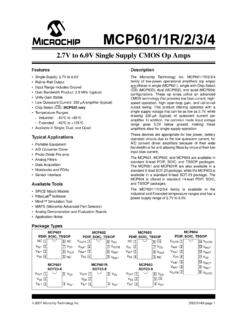
2.7V to 5.5V Single Supply CMOS Op Amp
ww1.microchip.comMCP601/1R/2/3/4 DS21314G-page 2 © 2007 Microchip Technology Inc. 1.0 ELECTRICAL CHARACTERISTICS Absolute Maximum Ratings † VDD –VSS.....7.0V
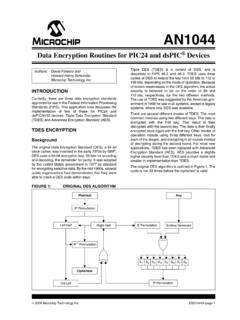
Data Encryption Routines for PIC24 and dsPIC Device
ww1.microchip.com© 2006 Microchip Technology Inc. DS01044A-page 1 AN1044 INTRODUCTION Currently, there are three data encryption standards approved …
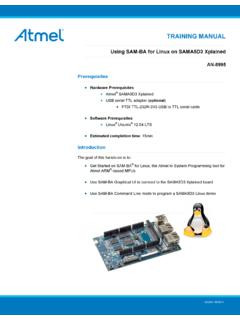
Using SAM-BA for Linux on SAMA5D3 Xplained
ww1.microchip.comAN-8995 – Using SAM-BA for Linux on SAMA5D3 Xplained: 42328A−06/2014 Page 5 of 19 2. Setup With Ubuntu distributions, a user has to be member of the dialout group to access serial devices like
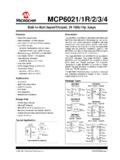
MCP6021/1R/2/3/4 - Rail-to-Rail Input/Output, 10 …
ww1.microchip.com2001-2017 Microchip Technology Inc. DS20001685E-page 1 MCP6021/1R/2/3/4 Features • Rail-to-Rail Input/Output • Wide Bandwidth: 10 MHz (typical)
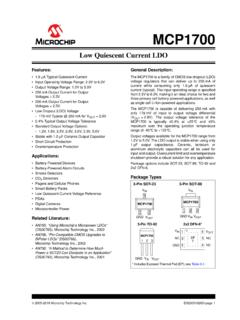
Low Quiescent Current LDO - Microchip Technology
ww1.microchip.com2005-2016 Microchip Technology Inc. DS20001826D-page 1 MCP1700 Features: • 1.6 µA Typical Quiescent Current • Input Operating Voltage Range: 2.3V to 6.0V
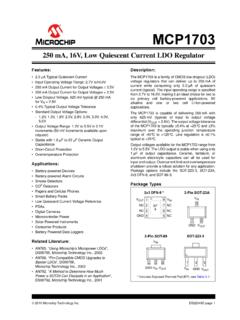
MCP1703 250 mA, 16V, Low Quiescent Current
ww1.microchip.com2010 Microchip Technology Inc. DS22049E-page 1 MCP1703 Features: • 2.0 µA Typical Quiescent Current • Input Operating Voltage Range: 2.7V to16.0V
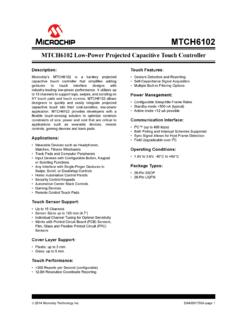
MTCH6102 Low-Power Projected Capacitive Touch …
ww1.microchip.com2014 Microchip Technology Inc. DS40001750A-page 1 Description: Microchip’s MTCH6102 is a turnkey projected capacitive touch controller that simplifies adding
PIC32 GUI Development Board with Projected …
ww1.microchip.comPIC32 GUI Development Board with Projected Capacitance (PCAP) Touch Information Sheet Microchip Technology Inc.
RN4020 Bluetooth Low Energy Module User’s Guide
ww1.microchip.comRN4020 BLUETOOTH LOW ENERGY MODULE USER’S GUIDE 2014 Microchip Technology Inc. DS70005191B-page 7 Preface INTRODUCTION This chapter contains general information that will be useful to know before using the
Related documents

VESA DisplayPortTM Alternate Mode on USB-C®
www.usb.org•Allows DisplayPort data rates to increase in the future, since the USB Type-C connector has very high data rate capability •DisplayPort can be combined with USB 3.2 operation over the same USB Type-C cable •USB 2.0 and USB Power Delivery is available in all configurations U S B H o s t W i th D i s p l a y P o r t A l te r n a te
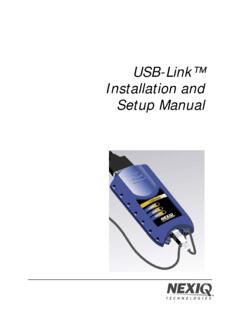
USB-Link™ Installation and Setup Manual - NEXIQ
www.nexiq.comDec 20, 2011 · Prior to using the USB-Link™, you need to decide how you want the unit to communicate with your PC. There are two options: • Wireless connection to the PC using Buletooth® (pg. 5) • Wired connection to the PC using a USB cable (pg. 7) Wireless Connection A wireless connection provides the advantage of untethered communication.

MACH3 USB port 6 axis Controller Card NVCM Manual
www.nvcnc.netUSB connection interface, Stepper/Servo control output interface, spindle control output interface, Estop and limited switch and tool setting input interface and so on. Now we descript them in details as below. 2.2.1 USB port As the Figure 2-2 showed, Marked No. 1 position is the USB port. Mach3 connect to this board through the USB port.
Alienware 510H 7.1 Gaming Headset User's Guide - Dell
downloads.dell.comConnect one end of the USB cable with DAC to the 3.5 mm audio port on your headset, and connect the other end to the USB port on your computer. Headset Desktop Laptop Connecting the headset to your computer using the audio cable and Y-cable To connect the headset to your computer using the audio cable, you have to attach it with a Y-cable.
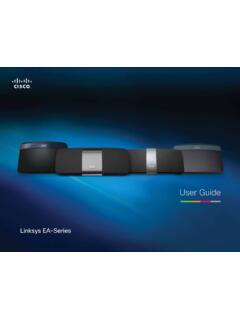
Linksys EA-Series Router User Guide
downloads.linksys.comor on the Internet, connect a USB drive to this port. For more information, see “Using an External Drive” on page 25. You can also connect a USB printer and share it across your network. For more information, see “How to connect a USB printer” on page 18. •

Dell USB-C Mobile Adapter DA310 User’s Guide
downloads.dell.comwork with the USB-A port on the PC The DA310 is only compatible with the USB-C port on the PC, i.e. Thunderbolt port or USB-C (DisplayPort Alt Mode) port. Multiple displays are not working The DA310 supports only single display out. You can only connect one display to the HDMI port, DisplayPort, the VGA port, or USB-C port at a time.

Using Headsets and Other Audio Devices with Cisco IP ...
www.cisco.comChapter 5 Using Headsets and Other Audio Devices with Cisco IP Communicator Using a Headset Using a Headset You can use a USB headset or an analog headset with Cisco IP Communicator. † A USB headset has a flat, rectangular plug that connects to a USB port on your computer. † An analog headset has rounded plugs that connect to the computer audio

STM32G0 Power Delivery 3.0 MCU - STMicroelectronics
www.st.com2 separate USB data paths are available simultaneously: USB 2.0 + USB 3.1 (up to 10 Gbit/s) • Display Port, HDMI, MHL, Thunderbolt are supported to carry video/audio signals • Conventional I²C/SPI/UART/Ethernet interfaces can be “bridge” to USB -C. To get more power with a comprehensive and robust protocol • USB Power Delivery

EPSON Firmware Update Function
files.support.epson.comIf the USB memory stick is disconnected, the update may not be applied correctly. 1 Connect the USB memory stick to the projector's USB-A port. Note Connect the USB memory stick directly to the projector. If the USB memory stick is connected using a USB hub, the firmware update may not be applied correctly.
Related search queries
The USB, U S B, P o r t, Installation and Setup Manual, Using the USB, Using, USB port 6 axis Controller Card NVCM, USB port, The USB port, Dell, Port, Linksys EA-Series, Dell USB, Using Headsets and Other Audio Devices, Cisco, Using Headsets and Other Audio Devices with Cisco IP Communicator Using, Firmware